Test QR Code Scanner
A sample code on the page, so you can verify the scanner before you need it.
Camera access is requested only when you press the button. Frames are decoded on this device and discarded.
Sample code — scan it from another device, or save it and use the Image tab.
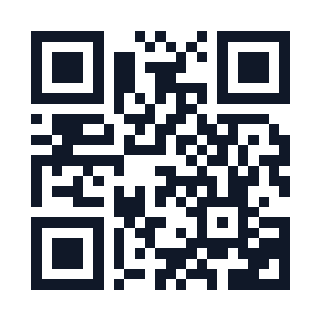
Before relying on a scanner, it is worth knowing whether the camera works, whether the permission is granted, and whether the decoder handles your device. This page includes a sample code for exactly that — point the camera at your own screen or open the sample as an image.
If the sample decodes and a real code does not, the problem is the code (size, contrast, damage), not the tool. That is a useful distinction when you are troubleshooting.
How to use it
- Download or open the sample code shown on this page.
- Scan it with the camera, or upload it.
- If the sample works but your code does not, look at print size and contrast.
What a valid test tells you
A successful decode of the sample proves three things: the camera opens, the permission is granted, and the decoder works on your browser. Everything else is a property of the code you are trying to read.
A failed test narrows it to those three. Check the permission first, then whether the page is served over HTTPS, then whether another app is holding the camera.
Reviewed 2026-10-21. This tool runs entirely in your browser — no server, no account, and nothing you generate is stored.
Frequently asked questions
Where is the sample code?
It is embedded on this page below the scanner. You can scan it from the screen with a second device, or save it and use the upload path.
The sample works but my code does not. Why?
Almost always print size, contrast or damage. A code smaller than about 2cm, printed on glossy stock, or creased through a finder pattern will not decode reliably.
Can I test without a camera?
Yes — save the sample image and use the upload path. That tests the decoder without involving the camera at all.
Related tools
More from QR codes.